
| Quick Summary: tplogin.cn is TP-Link local login web address. Connect to your TP-Link router, open http://tplogin.cn, and create or enter your admin password to manage Wi-Fi and network settings. |
tplogin.cn is a local login domain used by many newer TP-Link routers. Instead of typing an IP, you open http://tplogin.cn while connected to the router to reach the admin panel.
It only works on your own network. If it does not load, use the router default IP such as 192.168.0.1 or 192.168.1.1 instead.
How Do I Log In at tplogin.cn?
Follow these steps to open your TP-Link admin panel.
- Connect to your TP-Link router by Wi-Fi or Ethernet.
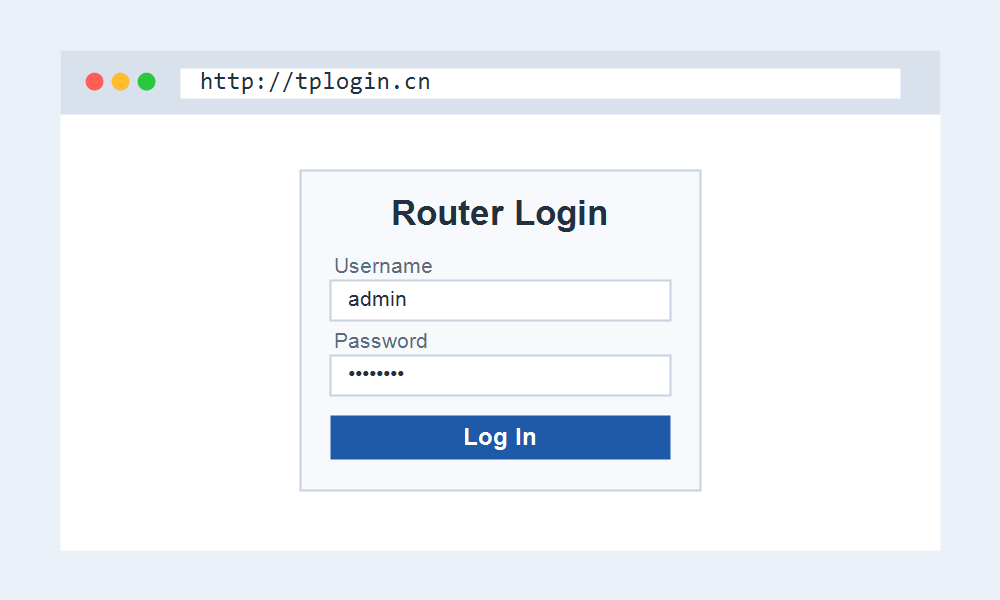
- Open a browser and go to http://tplogin.cn.
- Create a password on first use, or enter your existing one.
- Manage your Wi-Fi name, password, and settings, then save.
Looking for Your Router Login?
If tplogin.cn will not open, you can log in by IP instead. Most TP-Link routers also open at 192.168.0.1 or 192.168.1.1. These pages help you get in another way.
These pages get you to the right login.
- 192.168.1.1 Admin Login for most routers.
- Router Brand Login to pick your brand.
- Default Router IP Addresses to find your IP.
Frequently Asked Questions
What is the password for tplogin.cn?
TP-Link routers ask you to create your own admin password the first time you open tplogin.cn. If you forgot it, a factory reset lets you set a new one.
tplogin.cn is not working, what now?
Use the router default IP instead, usually 192.168.0.1 or 192.168.1.1. Confirm you are connected to the TP-Link network and not using mobile data.
Related IP Addresses and Guides
Prefer to use the IP address? These guides help.