
| Quick answer: 10.0.0.1 is the gateway used by Xfinity, Comcast, and Cox cable equipment. Open http://10.0.0.1 and sign in with admin and password. On newer Xfinity gateways, the xFi app replaces most of the web panel. |
10.0.0.1 stands out because it is a cable-ISP address, not a retail-router default. It sits in the large 10.0.0.0/8 private range rather than the usual 192.168 block, which is why it looks unfamiliar to many users.
Cable providers standardised on it so their all-in-one modem and router units share one predictable login. If you rent equipment from your provider, this is very likely your gateway.
Which Equipment Uses 10.0.0.1
This gateway is tied to specific cable providers and the hardware they ship. Confirm the login on the sticker, since providers sometimes preset a unique password per unit.
| Provider | Equipment | Username | Password | Verify |
|---|---|---|---|---|
| Xfinity / Comcast | xFi Gateway, xFi Advanced | admin | password | xfinity.com/support |
| Cox | Panoramic Wifi Gateway | admin | password or on label | cox.com/support |
| Arris / Motorola | Some cable gateways | admin | on label | arris.com/surfboard |
Web Panel or App
Xfinity now steers most settings into the xFi mobile app. The 10.0.0.1 web panel still opens, but options like device pausing and profiles live in the app on newer gateways.
- Connect to the gateway Wi-Fi or an Ethernet port.
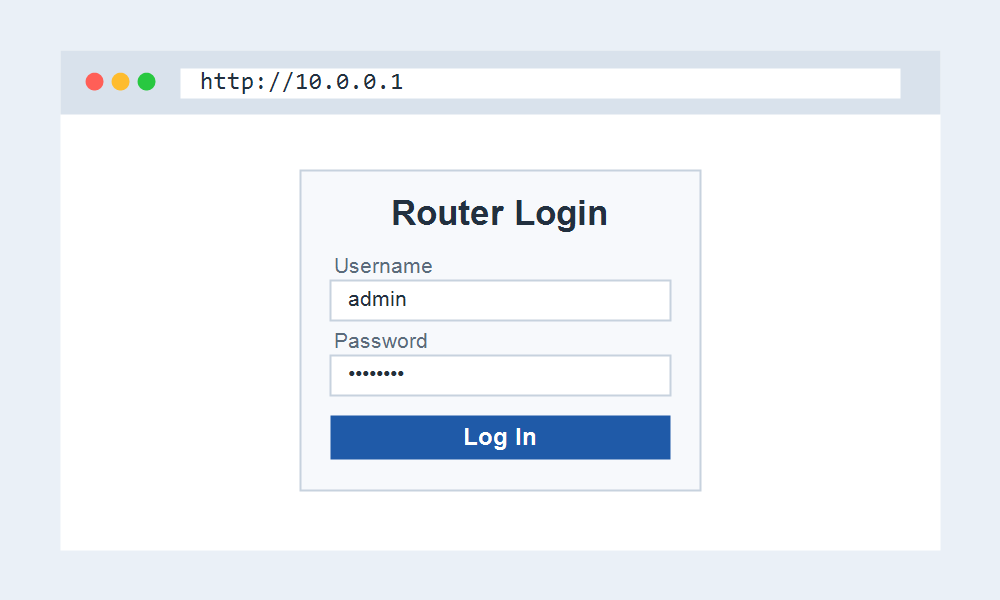
- Open http://10.0.0.1 and enter admin and password.
- Change your Wi-Fi name and password under the wireless section.
- For device controls, use the xFi app if your gateway supports it.
The Double NAT Problem
The most common 10.0.0.1 headache is double NAT. If you add your own router behind the provider gateway, both hand out addresses, which breaks gaming, port forwarding, and some VPNs.
The fix is bridge mode on the provider gateway, which turns off its routing so your own router runs the network. On Xfinity, bridge mode is under Gateway settings at 10.0.0.1.
In bridge mode the gateway may stop answering on 10.0.0.1, and your own router address, often 192.168.1.1 or 192.168.0.1, takes over as the login.
When 10.0.0.1 Will Not Load
If the page fails, confirm you are on the provider gateway and not a second router. A separate router places you on 192.168.x.x, where 10.0.0.1 is out of reach.
A quick reboot of the gateway clears most temporary faults. Unplug it for 30 seconds, wait for the online light to return, then load 10.0.0.1 again.
Frequently Asked Questions
What is the login for 10.0.0.1?
On Xfinity and Comcast gateways the default is admin and password. Cox and Arris units may use a password printed on the label, so check the sticker if the default fails.
Is 10.0.0.1 an Xfinity address?
Yes, it is the standard gateway for Xfinity and Comcast equipment, and Cox uses it too. It is a cable-provider address rather than a retail-router default.
How do I put my Xfinity gateway in bridge mode?
Log in at 10.0.0.1, open Gateway settings, and enable bridge mode. This disables the gateway routing so your own router can manage the network and remove double NAT.
What is 10.0.0.2 used for?
10.0.0.2 is the next address on the same network. It is often the first device the gateway assigns, or a secondary unit, rather than the gateway login itself.
Rented Gateway or Your Own Hardware
10.0.0.1 applies to equipment you rent from the provider. If you bought your own modem and router, your login is usually the router maker default, such as 192.168.1.1, not 10.0.0.1.
A rented all-in-one gateway combines the modem and router in one box, so 10.0.0.1 opens both the internet status and the Wi-Fi settings from a single panel.
Reading the Gateway Status First
Before logging in, check the front lights. A steady online light means the modem side is working, so a login failure points to your device or network, not the service.
If the online light is off or flashing, the problem is upstream. Logging into 10.0.0.1 will not fix a signal fault that your provider needs to resolve on their end.
Most Xfinity and Cox gateways also show a diagnostics page after login with downstream and upstream signal levels, which is useful when you call support about slow speeds.
Related IP Address Guides
Running a cable gateway or a router behind it? These addresses come up often.