
| Quick answer: 172.16.0.1 is a private Class B address, part of the 172.16.0.0/12 range. It is used far more in business networks, VPNs, and firewalls like pfSense than in home routers. Open http://172.16.0.1 to reach whatever gateway or appliance holds it. |
172.16.0.1 looks unfamiliar because it sits in the least-used of the three private ranges. Alongside 192.168.0.0/16 and 10.0.0.0/8, the 172.16.0.0/12 block was reserved by RFC 1918 for private networks.
Home routers rarely pick it, so meeting 172.16.0.1 usually means you are on a business network, a VPN, or a firewall appliance rather than a typical consumer gateway.
Where 172.16.0.1 Shows Up
| Context | Typical device | Login |
|---|---|---|
| Business LAN | Office router or firewall | Set by the administrator |
| Firewall software | pfSense, OPNsense (custom setups) | admin, then set on install |
| VPN gateway | Corporate or self-hosted VPN | Managed centrally |
Why a Network Uses 172.16
Administrators often choose 172.16.0.0/12 to keep a network clearly separate from the 192.168 ranges that home devices use. This avoids address clashes when laptops and phones move between office and home.
The 172.16.0.0/12 block is also large, spanning 172.16 through 172.31, which gives big organisations room to design many subnets without running out of addresses.
How Do I Access 172.16.0.1?
- Connect to the network that uses the 172.16 range.
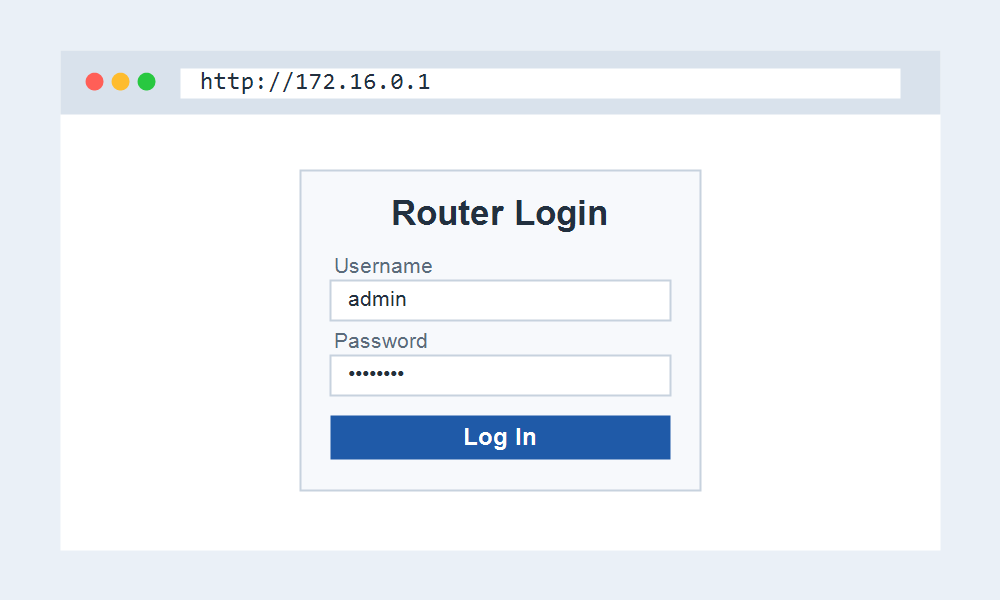
- Open http://172.16.0.1, or https if the appliance requires it.
- Sign in with the credentials your administrator or install set.
- On a managed network, ask IT rather than resetting shared equipment.
A Word of Caution on Shared Networks
If 172.16.0.1 belongs to an office or campus network, do not reset it. That would disrupt everyone connected. Contact the network administrator for access instead.
On your own lab or VPN setup, the login is whatever you configured during installation, and a reset only affects your own equipment.
Frequently Asked Questions
Is 172.16.0.1 a private address?
Yes. It is part of the 172.16.0.0/12 private range defined by RFC 1918. It works only inside a local network and is not reachable from the public internet.
Why is my network on 172.16 and not 192.168?
An administrator likely chose it to avoid clashes with home networks and to allow larger, well-organised subnets. It is a common choice in business environments.
What is the default login for 172.16.0.1?
There is no universal default because it depends on the device and how it was set up. On managed networks the credentials are held by the administrator.