
| Quick answer: 192.168.0.100 is a device address, not a router gateway. It is a popular default for IP cameras, network recorders (NVRs), and some printers. Open http://192.168.0.100 to reach that device. Your router login stays at 192.168.0.1 or 192.168.1.1. |
192.168.0.100 is well inside the range a router hands out to devices, so it is almost never the router itself. It is a common factory address for security cameras and recorders that expect a fixed IP.
Camera makers pick a memorable static default like this so installers can find a new unit on a fresh network before assigning it a permanent address.
Devices That Ship on 192.168.0.100
| Device | Notes | Login |
|---|---|---|
| IP security cameras | Various brands use it as a default | admin, then set on first use |
| NVR and DVR units | Recorder web interface | admin, on label |
| Some network printers | Static default for setup | on device or blank |
Reaching a Camera or Recorder
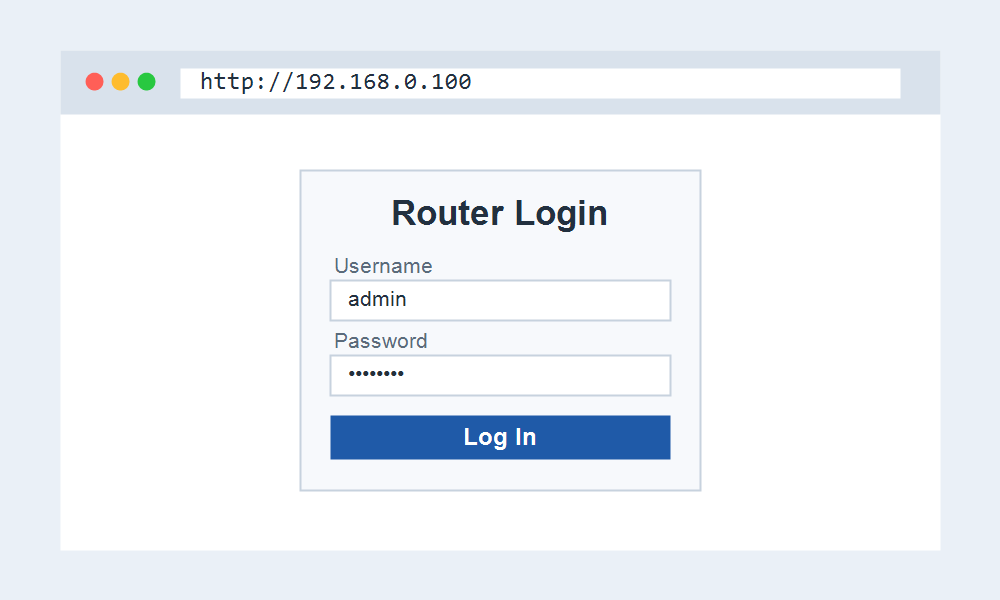
- Put your computer on the 192.168.0.x network.
- Open http://192.168.0.100 in a browser.
- Log in with the device credentials, often admin plus a password you set.
- Set a strong password immediately, since cameras are a common target.
Matching Your Network to the Camera
A camera fixed at 192.168.0.100 only appears if your router uses the 192.168.0.x range. If your router is on 192.168.1.x, your computer cannot see the camera until the two are on the same network.
Installers often set the computer to a temporary 192.168.0.x address to reach a new camera, then change the camera to match the real network.
Security Matters Here
Cameras left on default logins are a well-known risk. After reaching 192.168.0.100, change the password, update the firmware, and avoid exposing the camera directly to the internet.
Frequently Asked Questions
Is 192.168.0.100 a router?
No. It is a device address, commonly a camera or recorder. Your router login is at 192.168.0.1 or 192.168.1.1, depending on your network.
What is the login for a camera at 192.168.0.100?
Most cameras use admin and a password you set on first use. Check the label or the maker support page if the defaults do not work.
Why can I not reach 192.168.0.100?
Your network is probably on a different range, such as 192.168.1.x. Match your computer to the 192.168.0.x network, then try the address again.