
| Quick answer: 192.168.10.1 is used by many access points, mesh nodes, and business routers, plus brands like Cudy, Wavlink, and some TP-Link Omada gear. Open http://192.168.10.1 and sign in, usually with admin or a password you set during setup. |
192.168.10.1 is a favourite for equipment that is not the main home router. Access points, mesh units, and small-business gateways often use it so they do not collide with a primary router on 192.168.1.1.
Because several brands and roles share this address, the exact login depends on the device. Cudy and Wavlink routers use it, as do some TP-Link business access points.
Devices That Use 192.168.10.1
| Brand or role | Login | Verify |
|---|---|---|
| Cudy | admin (set on setup) | cudy.com/support |
| Wavlink | admin / admin | wavlink.com |
| TP-Link Omada AP | Set in the controller | tp-link.com/support |
Router, Access Point, or Mesh Node
The same address behaves differently by role. As a main router, 192.168.10.1 opens full settings. As an access point or mesh node, it may only show wireless options while the primary router handles routing.
Knowing the role tells you what to expect. If you see limited settings, the unit is probably extending a network rather than running it.
How Do I Open the 192.168.10.1 Admin Page?
- Connect to the device Wi-Fi or a wired port.
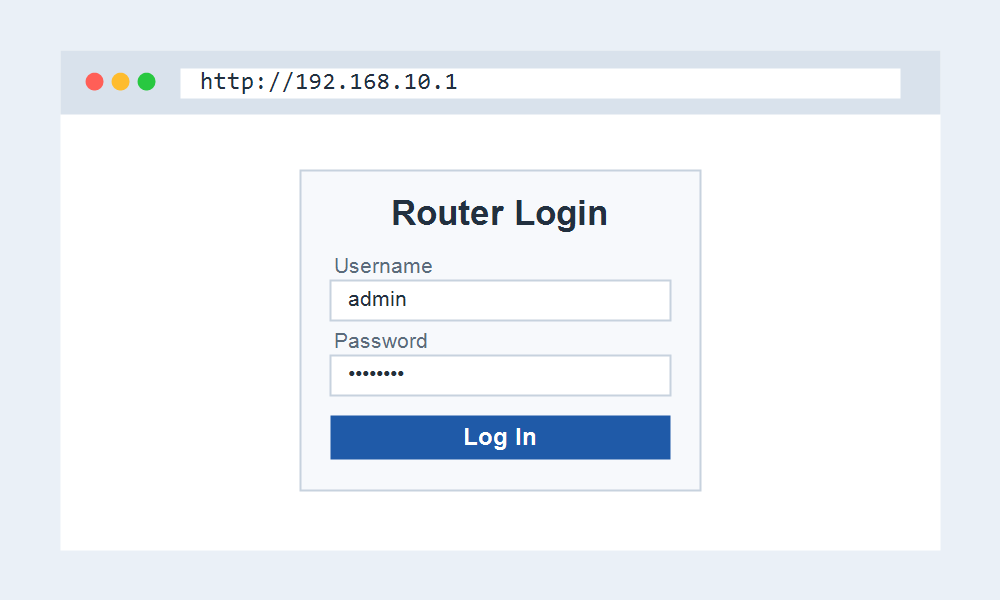
- Open http://192.168.10.1 in your browser.
- Enter admin, or the password you set, and sign in.
- Update the Wi-Fi name and key, or link the unit to your network.
When 192.168.10.1 Will Not Open
If it fails, the unit may already be in access-point mode and taking an address from your main router. Check the router device list for the address it now holds.
Confirm your computer is on the same subnet too. A device on 192.168.1.x cannot reach a 192.168.10.1 unit until it joins the matching network.
Frequently Asked Questions
What is the login for 192.168.10.1?
It depends on the brand. Wavlink often uses admin and admin, while Cudy and TP-Link ask you to set a password. Check the label or maker support to confirm.
Is 192.168.10.1 a main router address?
It can be, but it is just as often an access point or mesh node. If the settings look limited, the unit is extending your network rather than running it.
Why did the address change after setup?
In access-point mode the device usually takes an address from your router by DHCP, so 192.168.10.1 may stop working once it is linked to the main network.