
| Quick answer: 192.168.178.1 is the address of AVM FRITZ!Box routers, common across Germany and Europe. There is no universal password. Each FRITZ!Box has a unique password printed on its base. Open http://192.168.178.1 or http://fritz.box to sign in. |
192.168.178.1 belongs almost entirely to one maker: AVM and its FRITZ!Box line. AVM picked the 192.168.178.0/24 range as its default, so this address is a reliable sign that you own a FRITZ!Box.
FRITZ!Box units are popular with German and European internet providers and in the retail market. Many are sold as all-in-one devices that also act as a DECT phone base and smart-home hub.
The FRITZ!Box Password Is Unique
Unlike admin and admin routers, a FRITZ!Box ships with a device-specific password. It is printed on a sticker on the underside of the unit, labelled FRITZ!Box password.
Because the password is unique per device, there is no default to guess. If the sticker is gone, AVM support and your provider can guide you through recovery.
| Item | Detail |
|---|---|
| Login address | http://192.168.178.1 or http://fritz.box |
| Password | Printed on the base of the unit |
| Example models | FRITZ!Box 7590, 7530, 4060, 6660 |
| Verify | en.avm.de/service |
Signing In to Your Fritz!Box
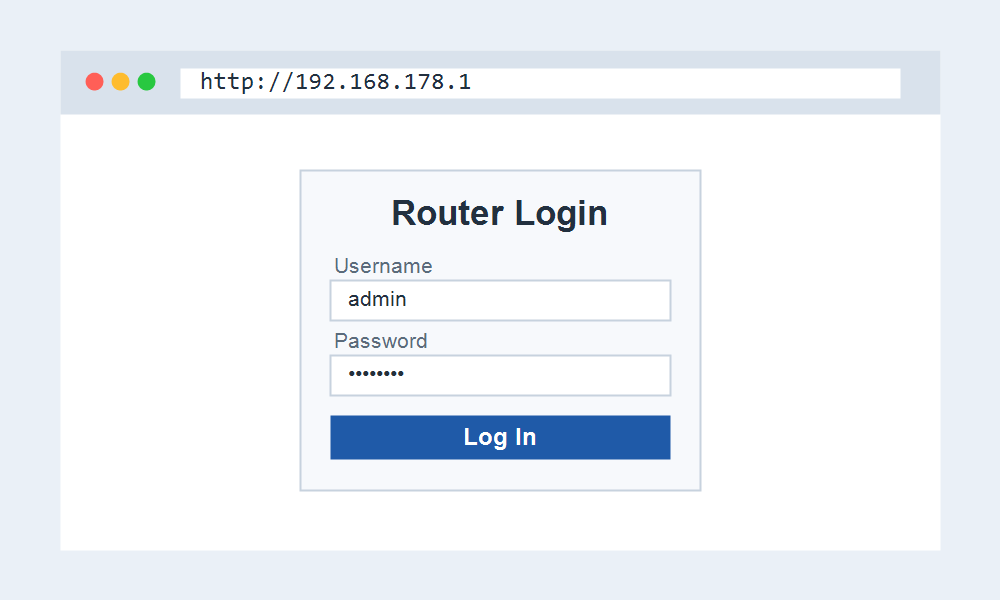
- Connect to the FRITZ!Box by Wi-Fi or a LAN cable.
- Open http://fritz.box or http://192.168.178.1.
- Enter the FRITZ!Box password from the base of the device.
- Set your own password when prompted, then open the WLAN menu for Wi-Fi settings.
More Than a Router
The FRITZ!Box panel controls features most routers do not have. Many models include a built-in answering machine, DECT cordless phone base, and a smart-home hub for AVM sockets and thermostats.
This is why the interface looks broader than a typical router. Telephony and smart-home menus sit alongside the usual internet and Wi-Fi settings at 192.168.178.1.
Why fritz.box Sometimes Fails
The friendly name fritz.box only works on the FRITZ!Box network itself. On a guest network, a VPN, or a different router, the name will not resolve and you should use 192.168.178.1 instead.
If neither opens, confirm you are connected to the FRITZ!Box and not a second router. A restart of the unit clears most temporary access faults.
Frequently Asked Questions
What is the default password for 192.168.178.1?
There is no shared default. Each FRITZ!Box has a unique password printed on its base. Enter that value the first time, then set your own password.
Is 192.168.178.1 always a FRITZ!Box?
Almost always. AVM uses this range as its default, so the address is a strong indicator of a FRITZ!Box. Very few other brands use it.
I forgot my FRITZ!Box password. What now?
Use the password on the base if you never changed it. If you set your own and lost it, a factory reset restores defaults but erases your settings, so use it as a last resort.
Can I reach it as fritz.box?
Yes, while connected to the FRITZ!Box, http://fritz.box opens the same panel as 192.168.178.1. The numeric address is the fallback when the name does not resolve.
Related IP Address Guides
Comparing gateways or moving from another brand? These help.