
| Quick answer: 192.168.3.1 is the address of Huawei home Wi-Fi routers, such as the WiFi 6 AX3 and WS series. There is no fixed password. You create the admin password during setup, in a browser at http://192.168.3.1 or the Huawei AI Life app. |
Huawei uses three different gateway addresses across its product lines, and 192.168.3.1 is the one for consumer home routers. It is easy to mix up with the others, so it helps to know which Huawei device you own.
Home routers answer on 192.168.3.1, mobile hotspots use 192.168.8.1, and fiber ONT units use 192.168.100.1. Getting the address right is half the battle with Huawei hardware.
Which Huawei Devices Use 192.168.3.1
| Device line | Examples | Password | Verify |
|---|---|---|---|
| Huawei WiFi router | AX3, AX2, WS5200, WS7100 | Set during setup | consumer.huawei.com/support |
| Some Honor routers | Honor Router 3 | Set during setup | hihonor.com/support |
You Set the Password, Not Huawei
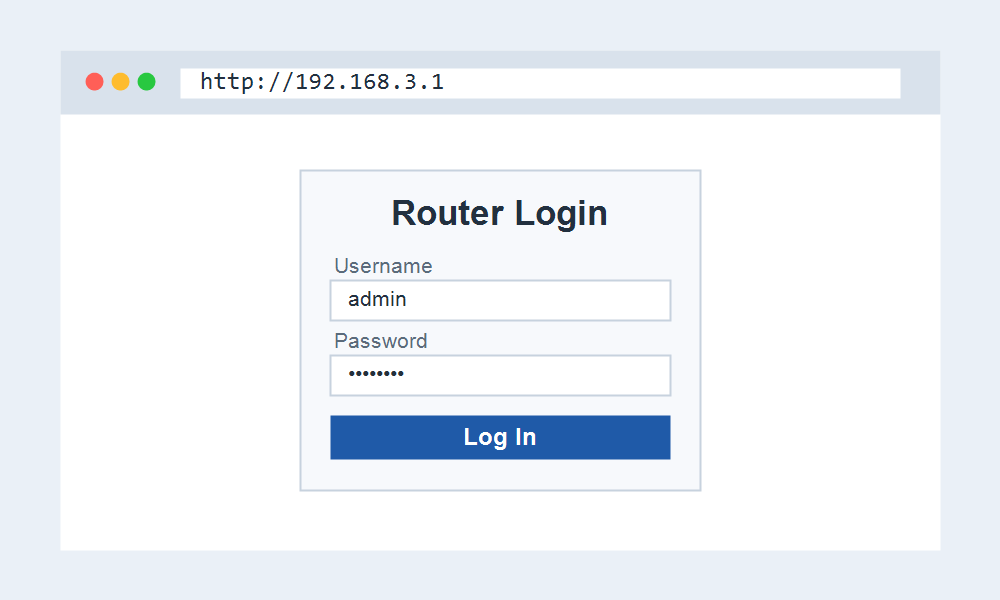
Huawei home routers do not ship with admin and admin. On first setup you choose the admin password, and by default it is linked to your Wi-Fi password unless you separate them in the settings.
That design means there is no universal default to look up. If you forgot the password you set, the only route back in is a factory reset.
Signing In to Your Huawei Router
- Connect to the Huawei router Wi-Fi or a LAN port.
- Open http://192.168.3.1 or launch the Huawei AI Life app.
- Enter the admin password you set, or run the wizard on a new unit.
- Open the Wi-Fi menu to change the network name or key, then save.
The AI Life App Advantage
Huawei pushes the AI Life app for daily control. It handles guest Wi-Fi, device limits, and mesh pairing more smoothly than the web page, and it can manage the router when you are away from home.
The web panel at 192.168.3.1 still exists and covers the core settings, so you are never forced to install the app to make a quick change.
Frequently Asked Questions
What is the default password for 192.168.3.1?
There is no shared default. Huawei home routers ask you to create the admin password during setup. If you forgot it, a factory reset lets you set a new one.
Why is my Huawei on 192.168.8.1 instead?
Then you have a Huawei mobile hotspot or 4G router, not a home Wi-Fi router. Those use 192.168.8.1. Fiber ONT boxes use 192.168.100.1 with telecomadmin.
Do I have to use the AI Life app?
No. The browser panel at 192.168.3.1 covers the essentials. The app simply adds remote control and a friendlier layout for features like mesh and parental limits.