
| Quick answer: 192.168.4.1 is the setup address of countless IoT devices built on ESP8266 and ESP32 chips. When the device creates its own temporary Wi-Fi, you open http://192.168.4.1 to configure it. It is a setup portal, not a permanent router login. |
192.168.4.1 is the address behind a huge number of smart-home gadgets. The popular ESP8266 and ESP32 chips default to it when they start their own access point, so smart plugs, bulbs, and sensors all share this setup address.
It is not your home router. It appears only while a device is in setup mode, broadcasting a temporary network so you can hand it your real Wi-Fi details.
What Uses 192.168.4.1
The address spans hobby boards and finished products alike. These are the common sources.
- ESP8266 and ESP32 development boards
- Smart plugs, bulbs, and sensors in setup mode
- Custom firmware like Tasmota, ESPHome, and WLED
- Some routers and cameras during first configuration
The Captive Setup Portal
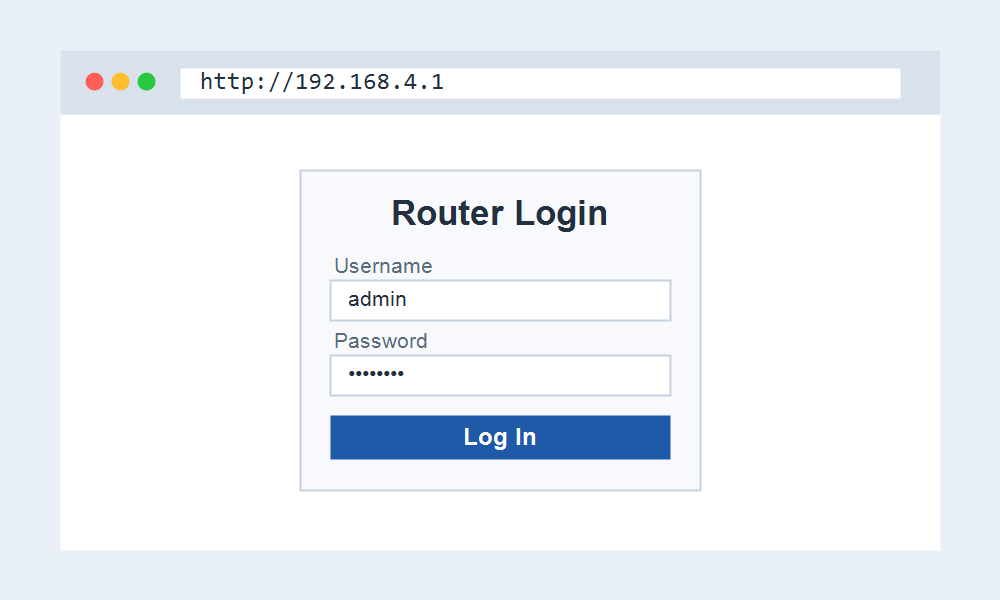
Most ESP devices open a captive portal at 192.168.4.1 with no username or password. You simply pick your home Wi-Fi from a list and enter its key, and the device then joins your network.
Once it connects to your Wi-Fi, the device leaves 192.168.4.1 behind and takes an address from your router, so the setup portal disappears.
How Do I Open 192.168.4.1?
- Join the temporary Wi-Fi the device creates, often named after its firmware.
- A setup page may open on its own, or visit http://192.168.4.1.
- Choose your home Wi-Fi and enter its password.
- Save, and let the device reconnect to your network.
Looking for Your Router Login?
If you were looking for your home router, 192.168.4.1 is usually a setup or hotspot address, not your main gateway. Your router likely opens at 192.168.1.1. Start here to find it.
These pages get you to the right login.
- 192.168.1.1 Admin Login for most routers.
- Router Brand Login to pick your brand.
- Default Router IP Addresses to find your IP.
Frequently Asked Questions
Is 192.168.4.1 a router?
No. It is the setup address of an IoT or ESP-based device. Your home router uses a different address, usually 192.168.1.1 or 192.168.0.1.
What is the password for 192.168.4.1?
Most ESP setup portals need no login. If a device does ask, the password is on its label or in its guide, since it is set by the maker.
Why did 192.168.4.1 disappear?
Once the device joins your Wi-Fi, it stops broadcasting its setup network and takes an address from your router. Find it in your router device list.