
| Quick answer: 192.168.1.254 is the gateway on many DSL and fiber units, most notably AT&T. On AT&T gateways there is no admin password to guess: you use the Device Access Code printed on the sticker. |
192.168.1.254 is unusual because it sits at the top of the 192.168.1.0/24 range rather than the bottom. The .254 address is the last usable host, a slot that telecom vendors have long favoured for provider gateways.
You mostly meet it on carrier-supplied DSL and fiber equipment rather than store-bought routers. AT&T is the best known example, but several European telecoms use it too.
Gateways That Use 192.168.1.254
These are provider gateways, so the sign-in method matters as much as the address. Note that AT&T does not use admin and admin at all.
| Provider or brand | Equipment | How to sign in | Verify |
|---|---|---|---|
| AT&T | BGW210, BGW320, Pace 5268AC | Device Access Code on the sticker | att.com/support |
| BT | Some Home Hub and business units | admin, password on the card | bt.com/help |
| Thomson / Technicolor | DSL gateways | admin and admin or on label | technicolor.com |
The AT&T Device Access Code
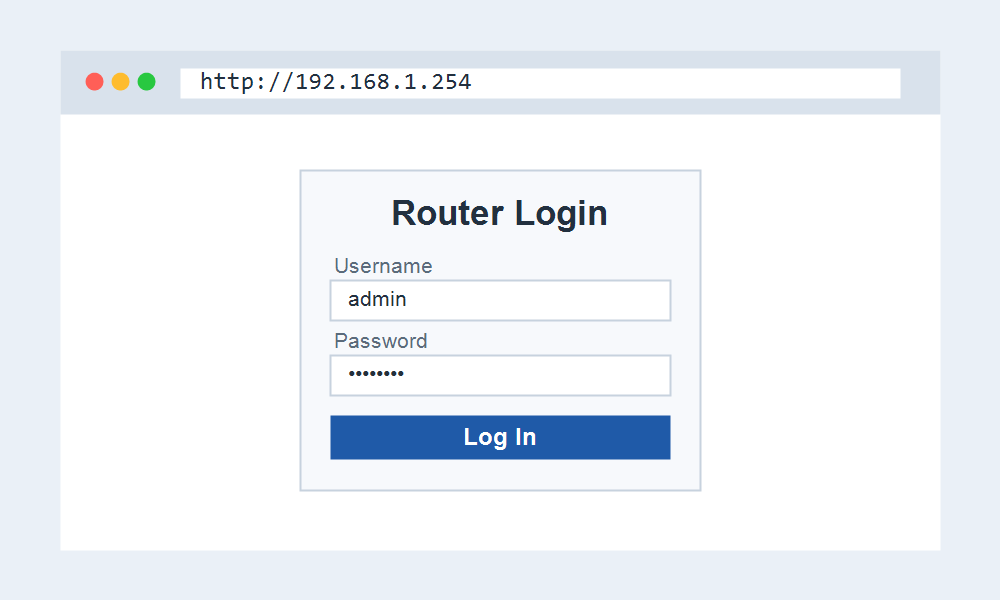
On AT&T gateways, 192.168.1.254 opens a settings page that asks for a Device Access Code, not a username and password. This code is printed on the side or bottom of the unit.
Because the code is unique per device, there is no universal default to look up. If the sticker is missing or unreadable, AT&T support can help you recover access.
Opening the Gateway Settings Page
- Connect to the gateway by Wi-Fi or Ethernet.
- Open http://192.168.1.254 in your browser.
- On AT&T, enter the Device Access Code when prompted for a restricted setting.
- Adjust Wi-Fi, IP passthrough, or firewall options, then save.
IP Passthrough Instead of Bridge Mode
AT&T gateways cannot be fully bridged. To run your own router without double NAT, you use IP Passthrough at 192.168.1.254, which hands your public address to one chosen device.
This keeps the gateway online for TV or voice services while your router manages the network. It is the AT&T equivalent of the bridge mode found on cable gateways.
When 192.168.1.254 Does Not Respond
If nothing loads, your router may use 192.168.1.1 instead, which is only one digit different and easy to confuse. Check your default gateway to see which address applies.
Also confirm you are on the provider gateway itself. A second router behind it will place you on a different subnet where 192.168.1.254 is unreachable.
Frequently Asked Questions
What is the password for 192.168.1.254?
On AT&T gateways there is no password. You enter the Device Access Code from the sticker. Other brands may use admin with a password printed on the unit.
Is 192.168.1.254 an AT&T address?
It is the standard settings address for AT&T gateways, and some DSL units from other providers use it too. It is not a common retail-router default.
Why is the gateway on .254 and not .1?
.254 is the last usable address in the subnet. Telecom vendors often place gateways there so the low addresses stay free for assigning to your devices.
How do I stop double NAT on AT&T?
Use IP Passthrough at 192.168.1.254 rather than bridge mode. Assign your public address to your own router, which then runs the network without a second layer of NAT.
What You Can Change at 192.168.1.254
Beyond Wi-Fi, the AT&T panel controls the firewall, port forwarding, and the DMZplus feature. IP Passthrough and firewall rules are the settings most people open 192.168.1.254 to reach.
You can also rename the 2.4GHz and 5GHz networks separately, restart the gateway, and view a list of connected devices with the addresses it has assigned them.
Keep the Access Code Safe
Since the Device Access Code is the only key to restricted settings, photograph the sticker before mounting the gateway out of reach. A lost code means a support call to regain full control.
If you replace the gateway, the new unit carries a different code, so update any saved note. The address stays 192.168.1.254, but the credentials do not transfer between units.
Related IP Address Guides
On a DSL or fiber gateway, these related addresses come up often.