
| Quick answer: 192.168.168.168 is a distinctive repeating address used by certain access points, Wi-Fi repeaters, and IP cameras rather than mainstream home routers. Open http://192.168.168.168 to reach the device, often with admin as the login. It is not a standard router gateway. |
192.168.168.168 is memorable because every part repeats, and device makers seem to choose it for exactly that reason. It is easy to recall during setup, which suits access points, repeaters, and cameras.
You will rarely find it on a main home router. When it appears, it usually belongs to a small networking gadget that expects a fixed address before you connect it to your real network.
What Uses 192.168.168.168
Several small-device categories favour this address. Here are the common ones.
- Wi-Fi repeaters and range extenders
- Wireless access points in setup mode
- Some IP cameras and mini routers
- Certain industrial and point-of-sale units
Reaching the Device
- Connect to the device Wi-Fi, often named after the brand.
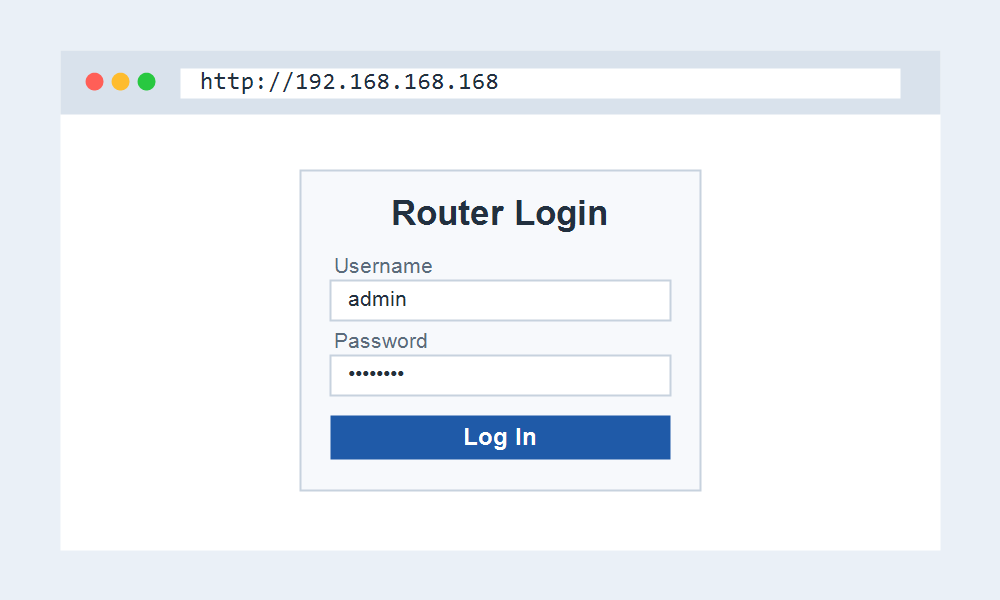
- Open http://192.168.168.168 in your browser.
- Sign in, commonly with admin and admin or a blank password.
- Run the setup wizard to join the unit to your main network.
The Address Is Often Temporary
Like many setup addresses, 192.168.168.168 usually applies only until the device joins your network. After that it takes an address from your router, and the repeating address stops working.
To reach the gadget later, check your router connected-device list for its new address, or use any hostname the maker provides.
Frequently Asked Questions
Is 192.168.168.168 a router address?
Not usually. It belongs to small devices such as repeaters, access points, and cameras. Your main router login is more likely 192.168.1.1 or 192.168.0.1.
What is the login for 192.168.168.168?
Many devices use admin and admin or a blank password at first. The exact login is on the device label or in its quick-start guide.
Why did it stop opening?
Once the device connects to your network, it takes a new address by DHCP. Find that address in your router device list to reach it again.