
| Quick answer: 192.168.100.1 is not a Wi-Fi login. It is the built-in diagnostic page of a cable modem or a fiber ONT. On cable modems it shows signal levels and works even in bridge mode. On Huawei fiber units it uses telecomadmin and admintelecom. |
192.168.100.1 confuses people because it does not behave like a normal router address. On a standalone cable modem there is no Wi-Fi to configure here. Instead you get a status and diagnostics page defined by the DOCSIS standard.
That page is baked into the modem hardware, so it answers on 192.168.100.1 regardless of what your router is doing. This is why it stays reachable even when the modem runs in bridge mode.
Two Very Different Devices Use It
The address is shared by cable modems and by many fiber ONT units, but they behave differently. Match your hardware to the right row below.
| Device type | Examples | Login | What you see |
|---|---|---|---|
| Cable modem (DOCSIS) | Arris SB6183, SB8200, Netgear CM500, CM1000 | Usually none, or on label | Signal levels, event log |
| Fiber ONT | Huawei HG8245, EchoLife | telecomadmin / admintelecom | Full ONT settings |
What the Cable Modem Page Shows
On a cable modem, 192.168.100.1 is a read-only window into your line quality. It reports downstream and upstream power, signal-to-noise ratio, and a log of connection events.
These numbers matter when you troubleshoot dropouts. Downstream power far outside the normal range, or a low signal-to-noise ratio, points to a cabling or line fault your provider must fix.
There is no Wi-Fi name or password here because a bare modem does not broadcast Wi-Fi. Those settings live on the router that connects to the modem.
Opening the Modem Status Page
- Connect a computer directly to the modem, or to the router behind it.
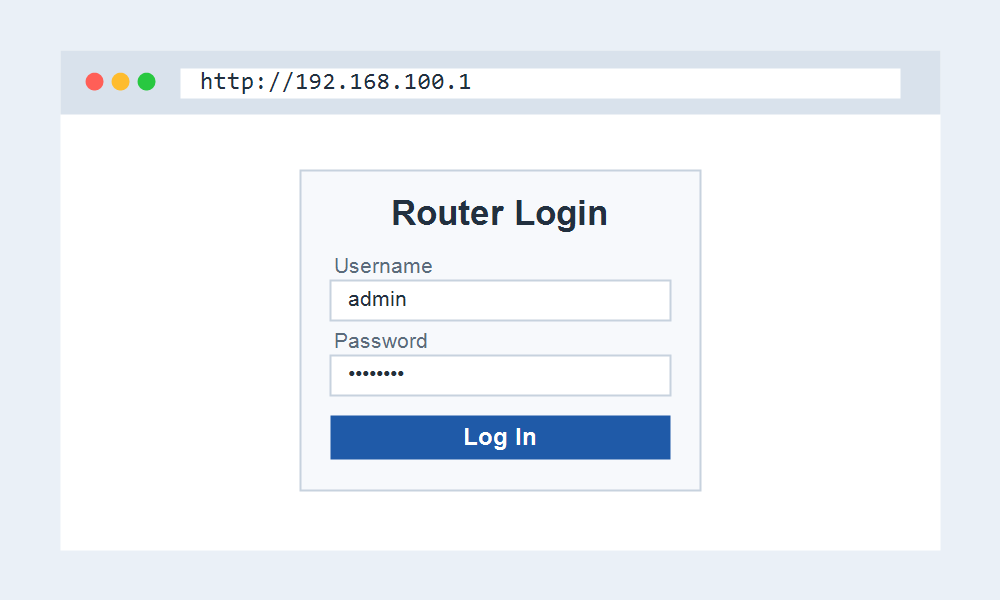
- Open http://192.168.100.1 in your browser.
- On a cable modem, read the status and signal pages. No login is usually needed.
- On a Huawei ONT, sign in with telecomadmin and admintelecom for full settings.
Why It Sometimes Will Not Open
If 192.168.100.1 does not load, your router may be sitting between you and the modem in a way that blocks it. Connecting a computer straight to the modem usually restores access.
Some providers also lock or hide the diagnostic page on their leased equipment. If yours is disabled, the signal data is only visible to the provider support team.
Remember that this address manages the modem, not your Wi-Fi. To change your network name or password, log into your router at its own address instead.
Frequently Asked Questions
Is 192.168.100.1 for Wi-Fi settings?
No. On a cable modem it is a diagnostic page with no Wi-Fi options. Your Wi-Fi name and password live on the router connected to the modem.
What is the login for 192.168.100.1?
Most cable modems need no login for the status page. Huawei fiber ONT units use telecomadmin and admintelecom, though some providers change these.
Does it work in bridge mode?
Yes. The diagnostic page is part of the modem itself, so 192.168.100.1 stays reachable even when the modem is bridged and your own router runs the network.
What signal levels are normal?
As a rough guide, downstream power near zero and a high signal-to-noise ratio are healthy. Large negative or positive power readings suggest a line problem worth reporting to your provider.
Modem or Combined Gateway
A standalone modem shows only the diagnostic page at 192.168.100.1. A combined modem-router, often called a gateway, may also expose Wi-Fi settings on a different address like 10.0.0.1 or 192.168.0.1.
Knowing which type you own saves time. If you cannot find Wi-Fi options at 192.168.100.1, you almost certainly have a separate router that holds them.
Save the Signal Readings Before Calling
Before contacting support, note the downstream and upstream power and the signal-to-noise ratio from 192.168.100.1. Giving these numbers up front speeds up the diagnosis and can avoid a repeat visit.
Take a screenshot each time the connection drops. A pattern of readings across several outages is far more useful to a technician than a single snapshot in isolation.
Related IP Address Guides
The router behind your modem uses one of these addresses.