
| Quick answer: 192.168.11.1 is the Buffalo AirStation address. Older Buffalo units log in with the username root and a blank password. Newer models use admin and password. Open http://192.168.11.1 to reach the panel. |
192.168.11.1 is unusual enough that it almost always points to one maker: Buffalo, whose AirStation routers and access points use it as the default. Buffalo is a major name in Japan and popular with enthusiasts elsewhere.
The detail that catches people out is the username. While most routers use admin, classic Buffalo firmware logs in as root, a nod to its Unix-style roots.
Buffalo Login Details
| Firmware | Username | Password | Verify |
|---|---|---|---|
| Older AirStation | root | (blank) | buffalotech.com/support |
| Newer AirStation | admin | password | buffalotech.com/support |
Signing In to Your Buffalo Router
- Connect to the Buffalo AirStation by Wi-Fi or cable.
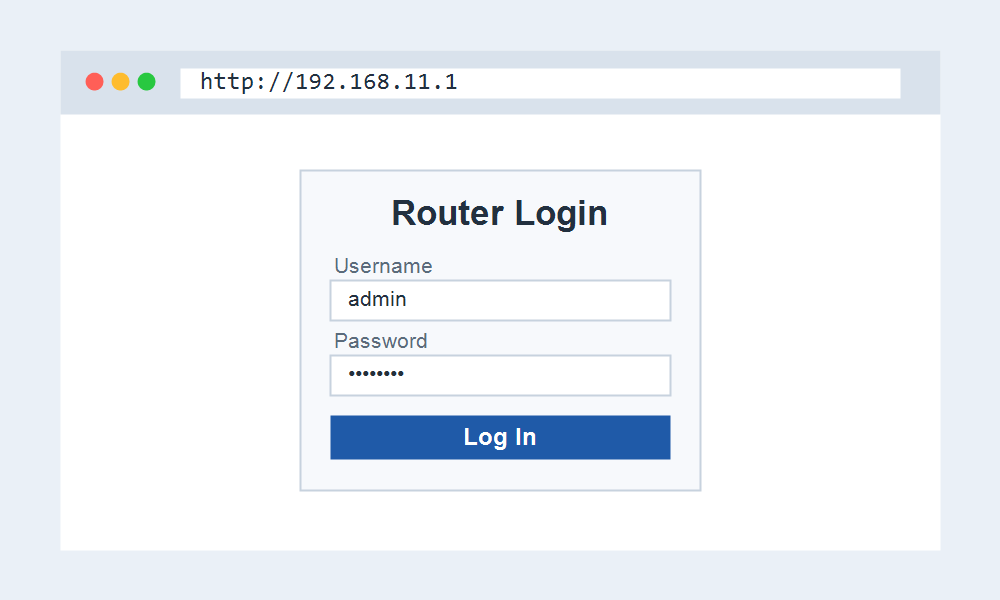
- Open http://192.168.11.1 in your browser.
- Try root with a blank password, or admin and password on newer units.
- Open the wireless section to rename the network or change the key.
AirStation and Custom Firmware
Buffalo has a long history with open firmware. Several AirStation models shipped with or supported DD-WRT and OpenWrt, so an enthusiast unit at 192.168.11.1 may show a very different panel than the stock one.
If your login page looks nothing like the standard Buffalo layout, custom firmware is likely installed, and the login will be whatever was set when it was flashed.
If the Page Does Not Load
Confirm you are on the Buffalo network and that your device received a 192.168.11.x address. A different subnet blocks access to 192.168.11.1 until you reconnect.
If the unit runs in bridge or access-point mode, it may no longer own 192.168.11.1 and instead take an address from your main router.
Frequently Asked Questions
What is the username for 192.168.11.1?
Older Buffalo routers use root with no password. Newer ones use admin and password. If neither works, check the label or reset the unit to defaults.
Is 192.168.11.1 only Buffalo?
In practice, yes. Buffalo AirStation is the brand that standardised on it. Very few other consumer routers use 192.168.11.1 as their default gateway.
How do I reset a Buffalo router?
Hold the reset button on the back for several seconds until the lights change. This restores 192.168.11.1 and the default root or admin login, and clears your settings.