
| Quick answer: 192.168.50.1 is the default on newer Asus routers, including most RT-AX Wi-Fi 6 models. Open http://192.168.50.1 or router.asus.com. Older Asus units used admin and admin, but current models make you create a login during setup. |
Asus changed its default gateway over time, which trips up owners of newer hardware. Classic Asus routers lived on 192.168.1.1, but the recent RT-AX and ZenWiFi lines moved to 192.168.50.1 out of the box.
If your Asus is a router-mode unit bought in the last few years, 192.168.50.1 is almost certainly correct. The friendly name router.asus.com opens the same panel.
Asus Models on 192.168.50.1
| Line | Examples | Login | Verify |
|---|---|---|---|
| RT-AX Wi-Fi 6 | RT-AX55, RT-AX86U, RT-AX88U | Set on setup | asus.com/support |
| ZenWiFi mesh | ZenWiFi XT8, AX Mini | Set on setup | asus.com/support |
| Older Asus | RT-N and early RT-AC | admin / admin | asus.com/support |
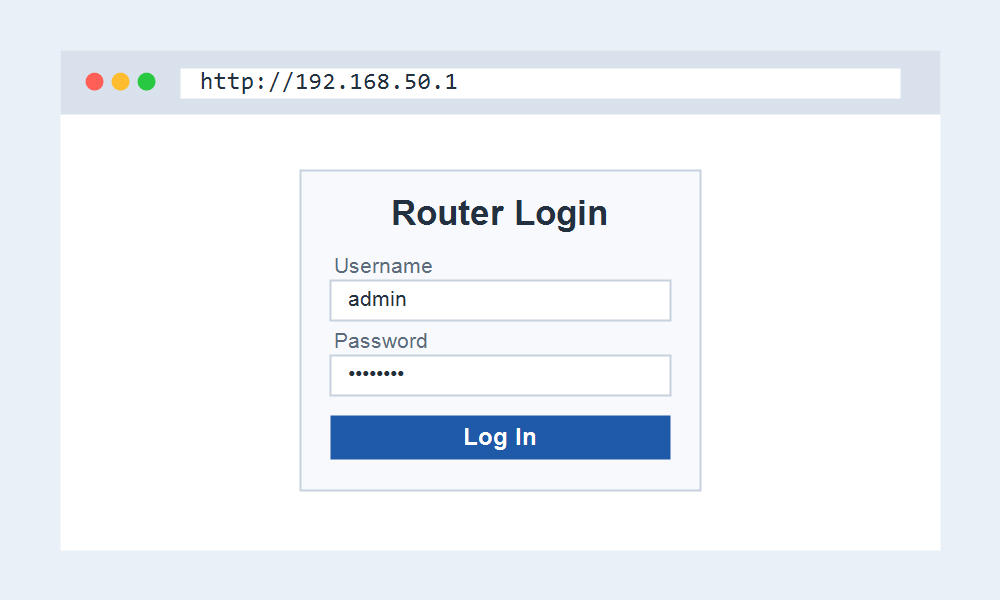
Signing In to Your Asus Router
- Connect to the Asus router by Wi-Fi or Ethernet.
- Open http://192.168.50.1 or router.asus.com.
- Enter your admin login, or set one during the first-time wizard.
- Use the wireless menu for Wi-Fi changes, or the ASUS Router app for remote control.
AiMesh and 192.168.50.1
Asus routers support AiMesh, which links several Asus units into one network. The main router keeps 192.168.50.1, while added nodes take other addresses on the same subnet and are managed from the main panel.
If you set an Asus unit as an access point rather than the main router, it usually gives up 192.168.50.1 and receives an address from your primary router instead.
When 192.168.50.1 Will Not Open
If the address fails, confirm your Asus is in router mode and not access-point or media-bridge mode, which move the login elsewhere. The mode is set during installation.
An older Asus that still uses 192.168.1.1 is another common surprise. If 192.168.50.1 does nothing, try 192.168.1.1 before assuming a fault.
Frequently Asked Questions
What is the login for 192.168.50.1?
Newer Asus routers ask you to create the login during setup. Older models used admin and admin. If a set password is lost, a factory reset restores the setup wizard.
Why did Asus change to 192.168.50.1?
Moving off the crowded 192.168.1.x range reduces clashes when an Asus router sits behind another gateway, which is common in mesh and secondary-router setups.
Is router.asus.com the same as 192.168.50.1?
Yes. While connected to the router, router.asus.com opens the same admin panel. The numeric address is the reliable fallback if the name does not load.