
| Quick answer: 192.168.88.1 is the default address of MikroTik routers running RouterOS. Older units use admin with a blank password. RouterOS v6.45 and newer ask you to set a password on first login, so there is no default on recent devices. |
192.168.88.1 is a specialist address. It belongs to MikroTik, a brand favoured by network professionals, small ISPs, and hobbyists who want deep control. AVM chose 192.168.178, MikroTik chose 192.168.88.0/24.
If you see this address, you are almost certainly on a MikroTik hAP, hEX, or RB series device. RouterOS is powerful but less beginner-friendly than a typical home router.
Logging Into MikroTik
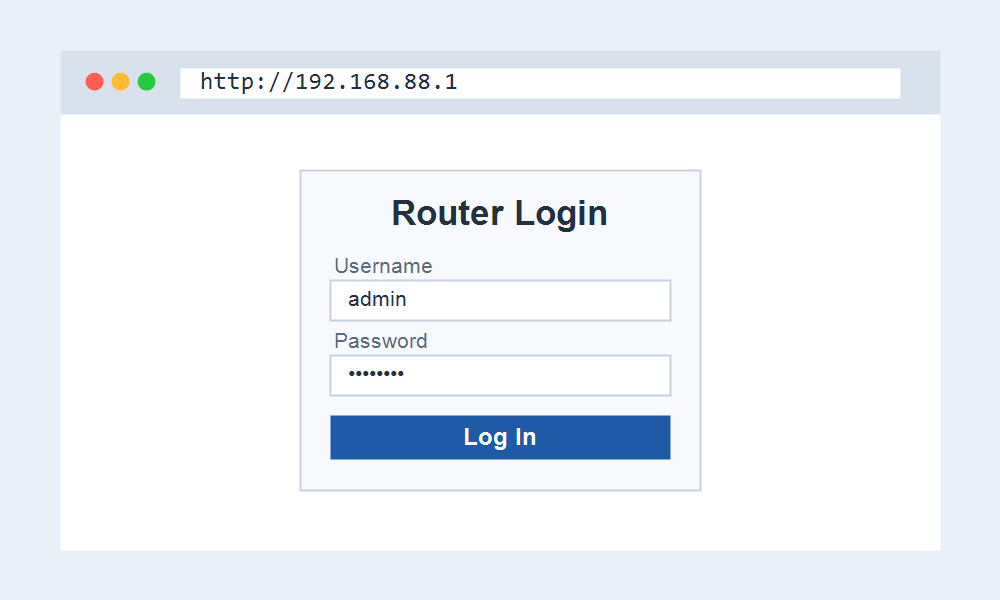
The historic MikroTik login is admin with no password at all. To improve security, RouterOS v6.45 and later force you to set a password the first time you connect.
| Item | Detail |
|---|---|
| Address | 192.168.88.1 |
| Username | admin |
| Password | (blank on older RouterOS, set on first login on newer) |
| Example models | hAP ac2, hEX, RB2011, RB4011 |
| Verify | help.mikrotik.com |
Three Ways to Manage MikroTik
MikroTik gives you more than a web page. You can manage it through the browser, a desktop tool, or a mobile app, which is unusual for a router at this price.
Reach it as Webfig in a browser at 192.168.88.1, with the WinBox desktop tool that can find the router by its MAC address, or with the MikroTik mobile app for quick setup.
Quick Set Versus Full Config
New MikroTik users should start with Quick Set, a simplified page that covers internet and Wi-Fi in a few fields. The full RouterOS menu underneath it exposes firewall, routing, and scripting.
- Connect to the MikroTik by cable or its default Wi-Fi.
- Open http://192.168.88.1 for Webfig, or use WinBox.
- Log in as admin and set a password if prompted.
- Use Quick Set for a fast setup, or the full menu for advanced control.
When the Address Does Not Respond
A MikroTik with a blank or reset configuration may not hand out an address, so your computer gets nothing and 192.168.88.1 fails. WinBox can still reach it by MAC address in that state.
If you loaded a blank config on purpose, you must set a static IP on your computer in the 192.168.88.x range to reconnect through the browser.
Frequently Asked Questions
What is the default password for 192.168.88.1?
On older RouterOS, admin has no password. On v6.45 and newer, you set the password during the first login, so there is no shared default to enter.
What is WinBox?
WinBox is MikroTik free desktop tool. It can connect to the router by MAC address even when the IP is unset, which makes it the go-to recovery method.
Is MikroTik hard to set up?
It is more advanced than a home router. Quick Set makes basic setup simple, but the full RouterOS gives professional features that reward some learning.
How do I reset a MikroTik?
Hold the reset button while powering on until the light flashes. This restores 192.168.88.1 and the default configuration, then you set a new password on first login.
Related IP Address Guides
Coming from a mainstream router? Compare with these.