
| Quick answer: 10.0.0.2 is the address right after the cable gateway at 10.0.0.1. It is usually the first device the gateway assigns, or a second router behind it, not the gateway login itself. For your Xfinity or Cox settings, use 10.0.0.1. |
10.0.0.2 lives one step above the common cable gateway 10.0.0.1. On networks run by Xfinity, Comcast, or Cox, the gateway keeps .1 and begins handing out addresses from .2, which is why this one is so often a connected device.
People reach 10.0.0.2 by accident when aiming for the gateway, or on purpose when they have added a second router and want to reach it directly.
What Usually Holds 10.0.0.2
The device on 10.0.0.2 depends on your setup. These are the usual owners.
- The first computer or router the gateway assigned
- A second router placed behind the cable gateway
- A device you gave a fixed 10.0.0.2 address
Gateway or Device
If you want to change Wi-Fi or run diagnostics on the cable equipment, 10.0.0.1 is the address, not 10.0.0.2. The gateway almost never moves off .1 on these networks.
If you added your own router and it received 10.0.0.2 from the gateway, then opening that address reaches your router login instead of the provider equipment.
How to Reach 10.0.0.2
- Stay connected to the 10.0.0.x network.
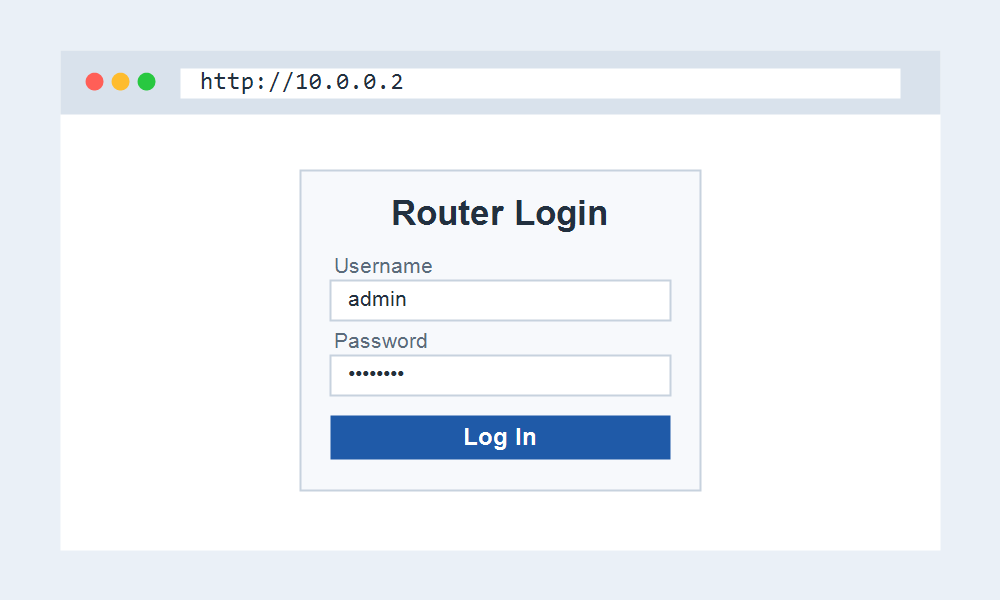
- Open http://10.0.0.2 in your browser.
- If a login appears, use that device credentials.
- For provider gateway settings, open 10.0.0.1 instead.
Looking for Your Router Login?
If you were trying to reach your router, 10.0.0.2 is usually the wrong address. Most routers open at 10.0.0.1 or 192.168.1.1. Start with our main login pages to find yours.
These pages get you to the right login.
- 192.168.1.1 Admin Login for most routers.
- Router Brand Login to pick your brand.
- Default Router IP Addresses to find your IP.
Frequently Asked Questions
Is 10.0.0.2 my gateway?
Almost never. The cable gateway sits at 10.0.0.1. The .2 address is normally the first device or a second router on the network.
Nothing loads at 10.0.0.2. Why?
The device using it may not serve a web page, or it may be off. For settings you can change, open the gateway at 10.0.0.1 instead.
How do I avoid an IP conflict on 10.0.0.2?
If you fix a device to 10.0.0.2, reserve that address in the gateway so it is not handed to another device automatically.