
| Quick answer: 10.1.1.1 is common on Australian ISP modems, most notably the Telstra Smart Modem. Open http://10.1.1.1 to sign in. Telstra units often show a status page here, with admin settings guarded by a password on the label. |
10.1.1.1 stands out because it uses the 10.x private range rather than the usual 192.168 block. It is strongly associated with Australian broadband, where several providers ship modems on this address.
The Telstra Smart Modem is the best-known example. If you are on Telstra or a related network, 10.1.1.1 is very likely the address that opens your modem settings.
Equipment That Uses 10.1.1.1
| Provider or brand | Equipment | Verify |
|---|---|---|
| Telstra | Telstra Smart Modem (Gen 1 and 2) | telstra.com.au/support |
| Netcomm | Various NBN modems | netcommwireless.com |
| Some Aztech units | ISP-supplied gateways | device label |
Status Page Versus Full Settings
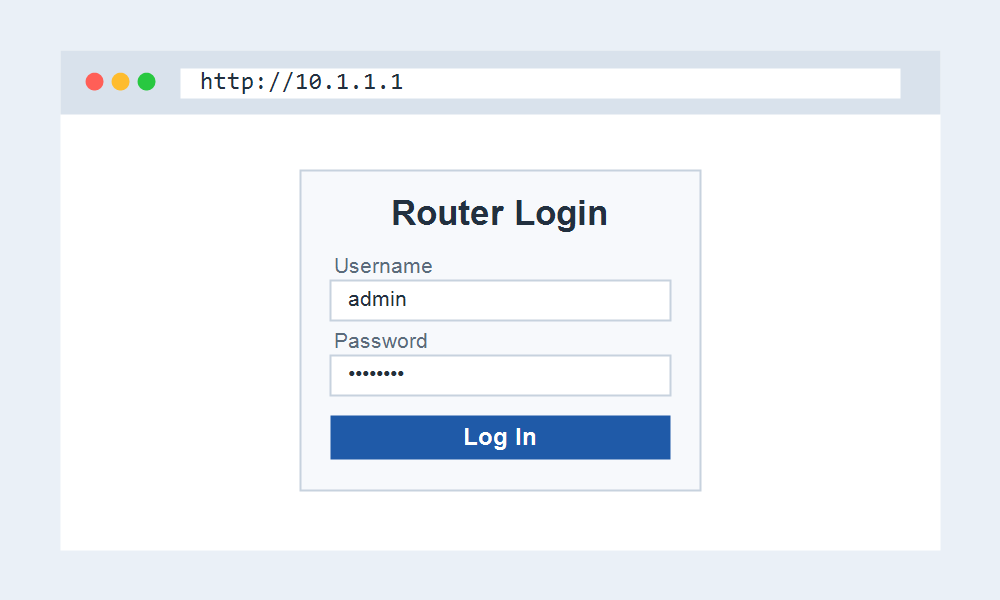
On the Telstra Smart Modem, 10.1.1.1 opens a basic status and settings page. Deeper options are protected by a password printed on the base of the modem, which stops casual changes.
Because Telstra manages much of the configuration remotely, the local panel is deliberately simpler than a retail router. Everyday tasks like changing the Wi-Fi password are still available.
Signing In Step by Step
- Connect to the modem Wi-Fi or an Ethernet port.
- Open http://10.1.1.1 in your browser.
- Enter the password from the base of the modem when prompted.
- Change the Wi-Fi name or password, then apply.
If 10.1.1.1 Does Not Respond
Make sure you are connected to the ISP modem itself. If you added your own router, it likely uses 192.168.x.x, and 10.1.1.1 becomes unreachable from behind it.
A restart of the modem clears most temporary faults. Wait for the connection lights to settle before loading 10.1.1.1 again.
Frequently Asked Questions
What is the password for 10.1.1.1?
On the Telstra Smart Modem it is printed on the base of the unit. Other brands vary, so check the label or your provider if the default does not work.
Is 10.1.1.1 a Telstra address?
It is the default for the Telstra Smart Modem and appears on some other Australian ISP gateways. It is not a common retail-router default elsewhere.
Why are the settings so limited?
Provider modems keep the local panel simple because much of the setup is managed remotely. Core tasks such as Wi-Fi changes remain available at 10.1.1.1.