
| Quick answer: 192.168.0.254 is usually a range extender or access point, not the main router. TP-Link extenders use it, reachable at http://192.168.0.254 or tplinkrepeater.net, with admin as the login. It sits on the same 192.168.0.x network as a router at 192.168.0.1. |
192.168.0.254 sits at the top of the 192.168.0.0/24 range. That high .254 slot is a classic choice for a secondary device, which is why it usually belongs to a Wi-Fi extender or access point rather than the router itself.
Placing the extender at .254 keeps it out of the way of the router at 192.168.0.1 and the low addresses it hands to your phones and laptops.
Devices That Use 192.168.0.254
| Device | Also reachable at | Login | Verify |
|---|---|---|---|
| TP-Link extender | tplinkrepeater.net | admin (set on setup) | tp-link.com/support |
| D-Link AP or extender | dlinkap.local | admin, blank | support.dlink.com |
| Some Arris / 3Com | by IP only | on label | device label |
Reaching an Extender at 192.168.0.254
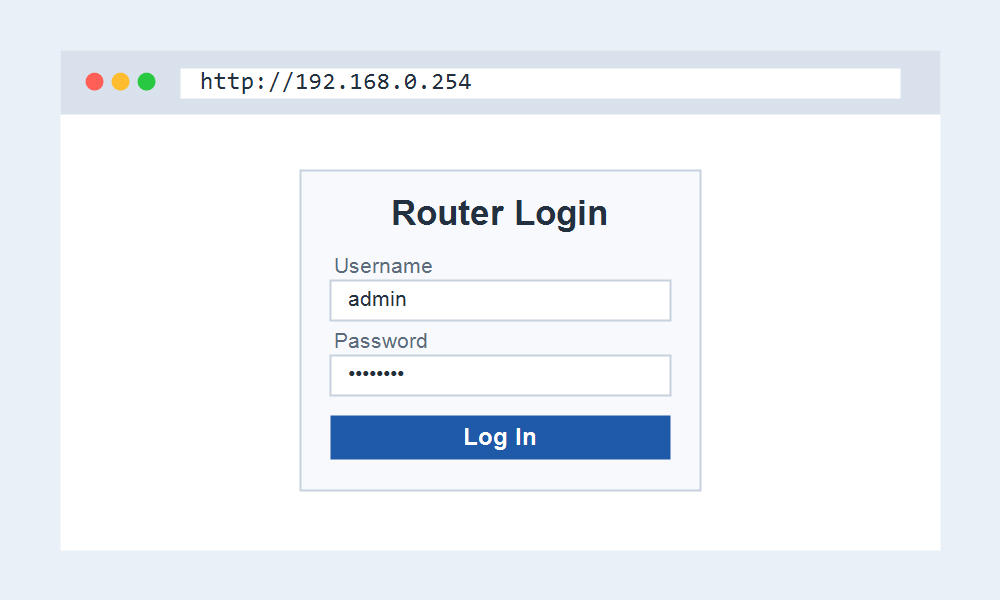
- Connect to the extender network or the router it repeats.
- Open http://192.168.0.254, or tplinkrepeater.net on TP-Link.
- Sign in with the extender login you set during installation.
- Adjust the extended network name or relink it to your router.
Why the Address Can Change
Many extenders only use 192.168.0.254 during first-time setup. Once connected to your router, the extender often takes a new address from the router DHCP, so 192.168.0.254 may stop working afterwards.
When that happens, the friendly name such as tplinkrepeater.net still finds it, or you check your router device list for the address the extender now holds.
If 192.168.0.254 Will Not Open
First confirm your router uses the 192.168.0.x range. If it runs on 192.168.1.x, the extender likely sits at 192.168.1.254 instead, matching the router network.
A fresh extender that has never been set up is the easiest case, since it holds 192.168.0.254 until you connect it to your main network.
Frequently Asked Questions
Is 192.168.0.254 a router or an extender?
Almost always an extender or access point. The high .254 address is reserved for secondary devices, while the main router usually sits at 192.168.0.1.
What is the login for 192.168.0.254?
On TP-Link extenders you set the admin password during setup. D-Link units often use admin with a blank password. Check the label for other brands.
Why did 192.168.0.254 stop working?
Once linked to your router, many extenders take a new address by DHCP. Use the maker hostname, or find the current address in your router connected-device list.