
| Quick answer: 192.168.1.2 is not a router gateway. It is the first host address after the router at 192.168.1.1, and it is usually a second device such as an access point, a repeater, or a computer with a fixed IP. Your router login is 192.168.1.1, not 192.168.1.2. |
192.168.1.2 sits right next to the common gateway 192.168.1.1. That single-digit difference is why it is often typed by mistake, and why it rarely opens a router login page.
On most networks the router keeps .1 and hands out the low addresses to devices, so .2 tends to be the very first device that joins or a unit given a fixed static address.
What Usually Holds 192.168.1.2
Whether 192.168.1.2 opens anything depends entirely on which device took the address. A summary sentence helps here, so here are the common owners.
- A second router or access point in bridge mode
- A network switch or Wi-Fi extender
- A computer or NAS set to a static IP
- The first device the router assigned by DHCP
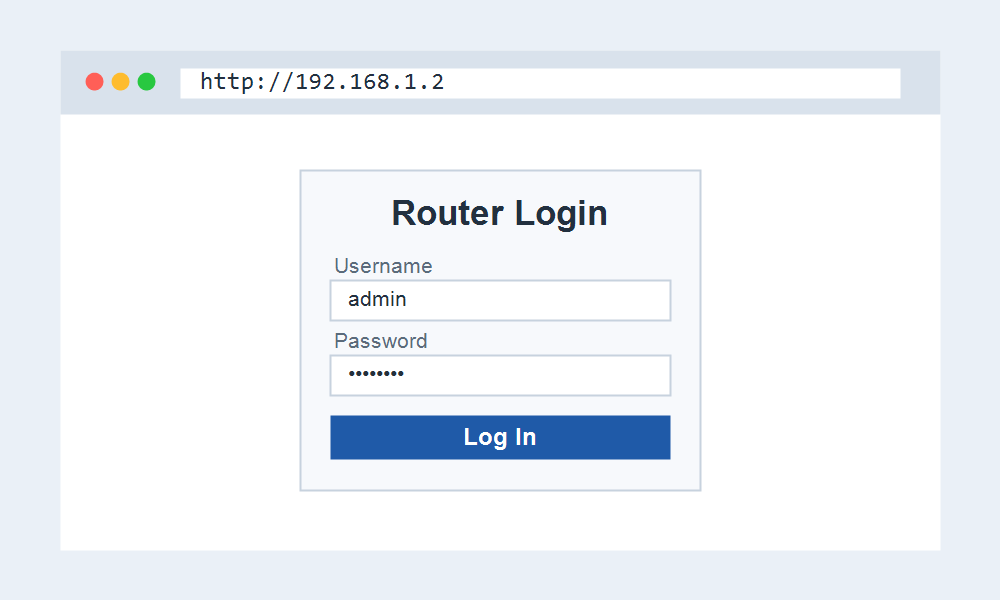
How to Reach the Device at 192.168.1.2
- Join the same 192.168.1.x network.
- Open http://192.168.1.2 in your browser.
- If a login appears, use that device credentials, not the router ones.
- For router settings, open 192.168.1.1 instead.
Setting a Device to 192.168.1.2
People often assign 192.168.1.2 as a static IP to a second access point or a server so it always keeps the same address. It is a tidy choice because it sits just below the router.
If you do this, reserve the address in the router DHCP settings too. That stops the router from later handing 192.168.1.2 to another device and causing a conflict.
Looking for Your Router Login?
If you meant to open your router, 192.168.1.2 is normally a device address, not the gateway. Your router most likely opens at 192.168.1.1 instead. These pages point you the right way.
These pages get you to the right login.
- 192.168.1.1 Admin Login for most routers.
- Router Brand Login to pick your brand.
- Default Router IP Addresses to find your IP.
Frequently Asked Questions
Is 192.168.1.2 my router?
Almost never. The router usually sits at 192.168.1.1. The .2 address is a device on the network, so open 192.168.1.1 for router settings.
Nothing opens at 192.168.1.2. Why?
The device using it may have no web page, or it may be switched off. Many computers and NAS units on .2 do not serve a browser login at all.
Can two devices share 192.168.1.2?
No. If two devices claim it, you get an IP conflict and both behave erratically. Reserve the address in the router to keep it assigned to one device.