
| Quick answer: 192.168.5.1 is a private gateway used by a scattering of devices rather than one big brand, including some 4G and portable routers and certain access points. Open http://192.168.5.1 and sign in, usually with admin or a login you set during setup. |
192.168.5.1 is a valid private Class C gateway, but it is not tied to a single household name the way 192.168.1.1 is to the mainstream. It turns up on a mix of niche and portable hardware.
Because no one brand owns it, the smart first step is to identify your device. The maker on the label tells you which login and app to use.
Where 192.168.5.1 Appears
The address shows up across a few device types. These are the common ones.
- Some 4G and portable Wi-Fi routers
- Certain access points and mini routers
- A few embedded and industrial gateways
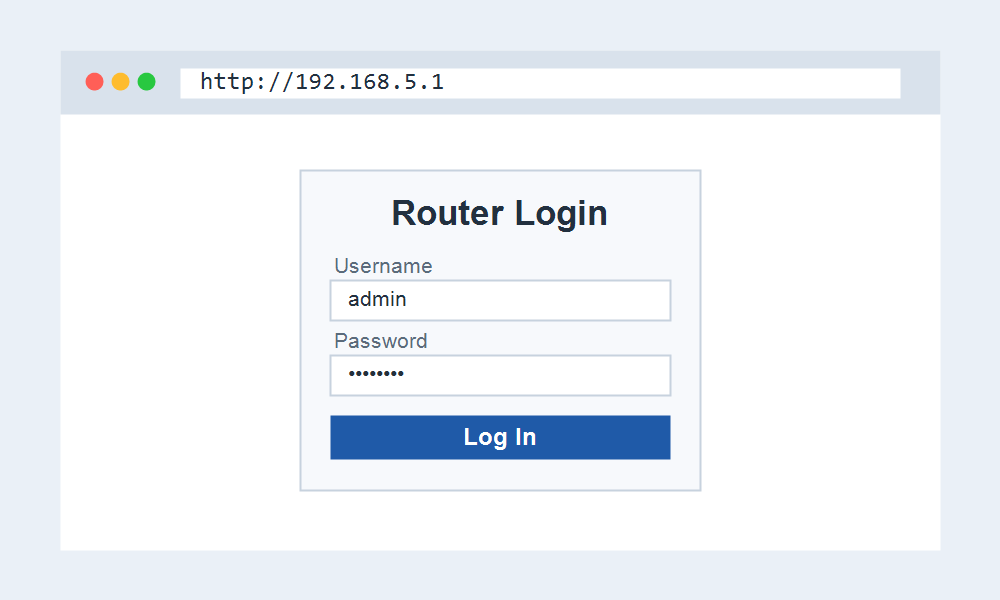
Signing In to Your Router
- Connect to the device Wi-Fi or a wired port.
- Open http://192.168.5.1 in your browser.
- Enter admin or the login on the label, and sign in.
- Change the Wi-Fi name and password, then save.
Identify the Device First
Since 192.168.5.1 is shared across makers, the label is your best guide. It lists the brand, model, and often the default login, which removes the guesswork.
If the label is missing, the shape of the login page can hint at the maker, and a search for that layout plus the model usually confirms the defaults.
When 192.168.5.1 Will Not Load
Confirm your device received a 192.168.5.x address. If it is on a different subnet, 192.168.5.1 stays out of reach until you reconnect to the right network.
A quick power cycle of the router clears most glitches. If it still fails, a factory reset restores 192.168.5.1 and the default login.
Frequently Asked Questions
What is the login for 192.168.5.1?
It depends on the device, since several makers use this address. Many default to admin, but the label or maker page is the reliable source for your unit.
Is 192.168.5.1 a common router address?
It is valid but less common than 192.168.1.1 or 192.168.0.1. You mostly see it on portable routers and a handful of niche devices.
How do I confirm this is my gateway?
Check your default gateway. On Windows, run ipconfig in Command Prompt. If it shows 192.168.5.1, that is the address to type for your device settings.