
| Quick answer: 192.168.8.1 is the address of Huawei mobile broadband devices and many portable 4G and 5G hotspots. Open http://192.168.8.1 and sign in with admin and admin, or manage it in the HUAWEI AI Life app. |
192.168.8.1 is a mobile address, not a home-router one. Huawei chose the 192.168.8.0/24 range for its portable Wi-Fi and 4G routers so they would not clash with the 192.168.1.0/24 network of a house router when the two are used together.
If you own a pocket hotspot, a USB dongle, or a home 4G router from Huawei, this is almost certainly your login. A few other portable-hotspot brands use it as well.
Devices That Use 192.168.8.1
Huawei dominates this address, but confirm on the label since carrier-branded units sometimes ship with a custom password.
| Brand | Example models | Username | Password | Verify |
|---|---|---|---|---|
| Huawei mobile Wi-Fi | E5573, E5577, E5785 | admin | admin | consumer.huawei.com/support |
| Huawei 4G router | B525, B535, B315 | admin | admin or on label | consumer.huawei.com/support |
| Alcatel | LinkZone hotspots | admin | admin | alcatelmobile.com/support |
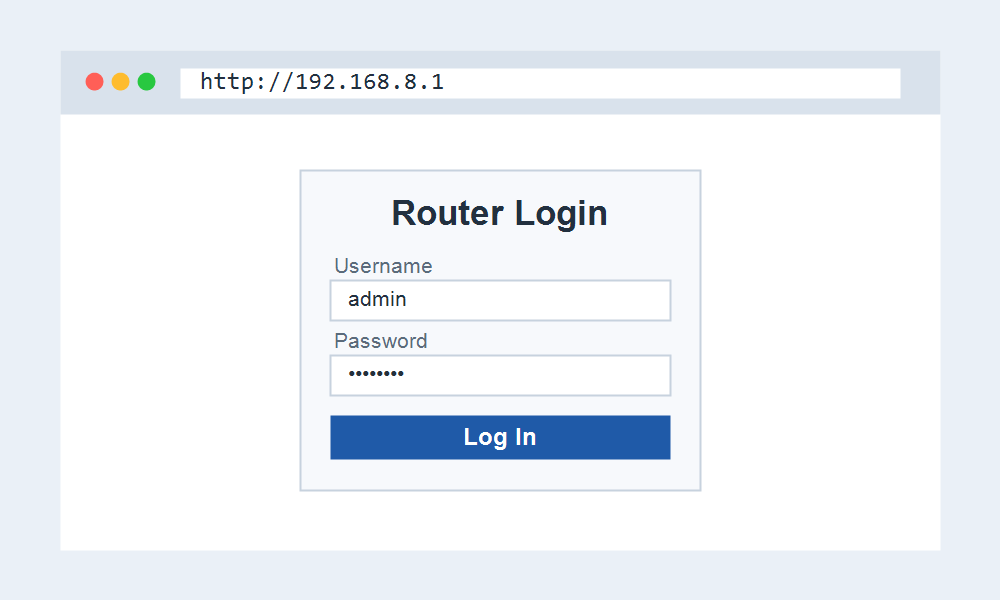
Web Panel or the AI Life App
Huawei mobile devices can be managed two ways. The web panel at 192.168.8.1 gives full control, while the HUAWEI AI Life app offers a quicker view of data usage and connected devices.
- Connect to the hotspot Wi-Fi printed on its screen or label.
- Open http://192.168.8.1 in any browser.
- Sign in with admin and admin, then change the Wi-Fi name and password.
- Check your SIM data balance and signal strength on the status page.
Why Port Forwarding Often Fails Here
Mobile networks usually place you behind carrier-grade NAT. Your SIM shares one public address with many other users, so port forwarding set at 192.168.8.1 has no public address to attach to.
This is a network limitation, not a device fault. Hosting a server or a game behind a mobile hotspot normally needs a static IP add-on from the carrier to work reliably.
Double NAT When Tethering
If you plug a Huawei 4G router into another router, both hand out addresses and you get double NAT. Because the mobile unit uses 192.168.8.x, the clash is easy to miss.
Where the device supports it, bridge mode at 192.168.8.1 hands routing to your main router. Otherwise, use the hotspot on its own rather than behind a second router.
If 192.168.8.1 Will Not Open
Make sure you joined the hotspot Wi-Fi and not your home network. On a laptop still connected to a house router, 192.168.8.1 will not resolve to the mobile device.
A quick power cycle of the hotspot clears most glitches. If the password was changed and forgotten, hold the reset pinhole for several seconds to restore admin and admin.
Frequently Asked Questions
What is the password for 192.168.8.1?
Most Huawei and Alcatel mobile devices use admin and admin. Carrier-branded units may set a unique password printed on the label or the hotspot screen, so check there if admin fails.
Is 192.168.8.1 only for Huawei?
It is most common on Huawei mobile broadband, but some Alcatel and other portable hotspots use it too. It is rare on standard home routers, which favour 192.168.0.1 or 192.168.1.1.
Why can I not forward a port on my hotspot?
Carrier-grade NAT shares one public address across many SIMs, so there is no unique public port to open. A carrier static IP option is usually required for port forwarding to work.
What is 192.168.8.254?
192.168.8.254 is another host on the same mobile subnet. Some devices or manuals reference it, but the login for Huawei hotspots remains 192.168.8.1.
Related IP Address Guides
Using a mobile hotspot alongside a home network? These addresses come up together.