
| Quick answer: 192.168.31.1 is the default address of Xiaomi, Mi, and Redmi routers. There is no default password. You create the admin password during setup, using the Mi WiFi app or the web wizard at http://192.168.31.1 or miwifi.com. |
192.168.31.1 points to Xiaomi networking gear. Xiaomi chose the 192.168.31.0/24 range for its Mi and Redmi routers, so this address is a clear sign of a Xiaomi device rather than a mainstream Western brand.
These routers are strongly app-driven. Much of the setup and daily management happens in the Mi WiFi or Mi Home app rather than the web page, which shapes how you first sign in.
You Create the Password
Xiaomi routers do not ship with admin and admin. On first setup you choose the admin password yourself, and it is often tied to the Wi-Fi password unless you set them separately.
| Item | Detail |
|---|---|
| Address | http://192.168.31.1 or miwifi.com |
| Password | Set by you during setup |
| App | Mi WiFi or Mi Home |
| Example models | Mi Router 4A, AX3000, Redmi AX6 |
| Verify | mi.com/support |
China or Global Firmware
Xiaomi sells the same hardware with two firmware tracks. China versions default to a Chinese interface, while Global versions ship with English. The login address 192.168.31.1 is the same on both.
If your panel appears only in Chinese, you likely have a China model. Some users flash Global firmware for English, though that carries risk and can void support.
Signing In to Your Xiaomi Router
- Join the Xiaomi router Wi-Fi or connect a cable.
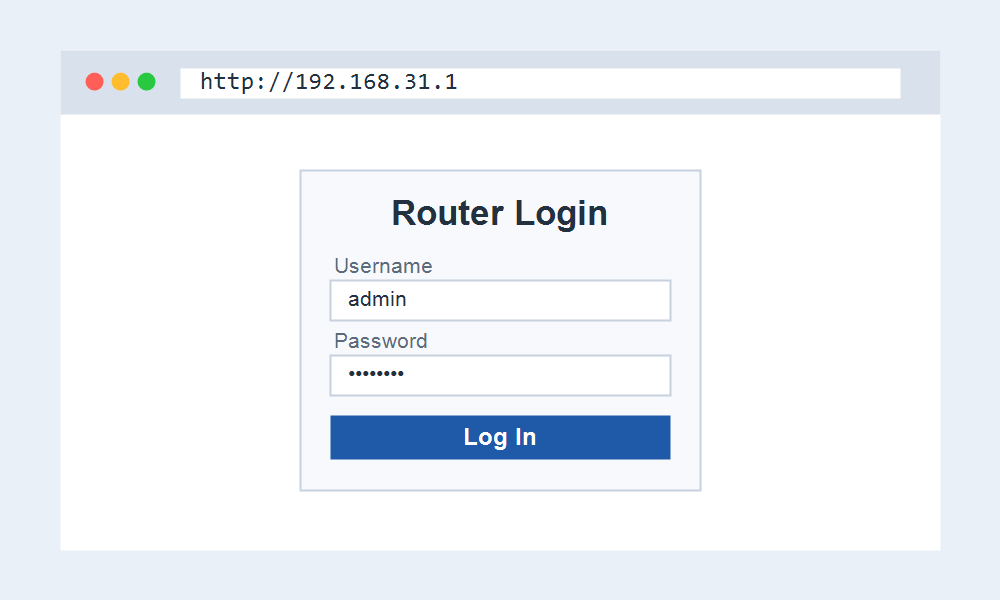
- Open http://192.168.31.1 or the Mi WiFi app.
- Enter the admin password you set, or run the wizard on a new unit.
- Update your Wi-Fi name and password, then save.
Forgot the Password
Because there is no factory default to fall back on, a forgotten Xiaomi password means a reset. Hold the reset button for several seconds until the light changes to restore the router.
After a reset the router returns to 192.168.31.1 with the setup wizard, and you create a fresh password. Your old Wi-Fi settings are erased in the process.
Frequently Asked Questions
What is the default password for 192.168.31.1?
There is none. Xiaomi routers ask you to create the admin password during setup. If you forgot it, a factory reset lets you set a new one.
Can I use miwifi.com instead?
Yes. While connected to the router, miwifi.com opens the same panel as 192.168.31.1. The numeric address is the reliable fallback if the name fails.
Why is my panel in Chinese?
You likely have a China firmware model. The address is still 192.168.31.1, but the interface language depends on the firmware track your router shipped with.
Do I need the Mi app?
Not strictly. The web page at 192.168.31.1 covers core settings, but the Mi WiFi app adds remote management and is the smoother option for many owners.
Related IP Address Guides
Comparing Xiaomi with other brands? Start here.